
Latest Version
RPi Imager Developers
Tools
Linux
Free
org.raspberrypi.rpi-imager
Report a Problem
More About Raspberry Pi Imager
Streamlining Your Single-Board Computer Setup
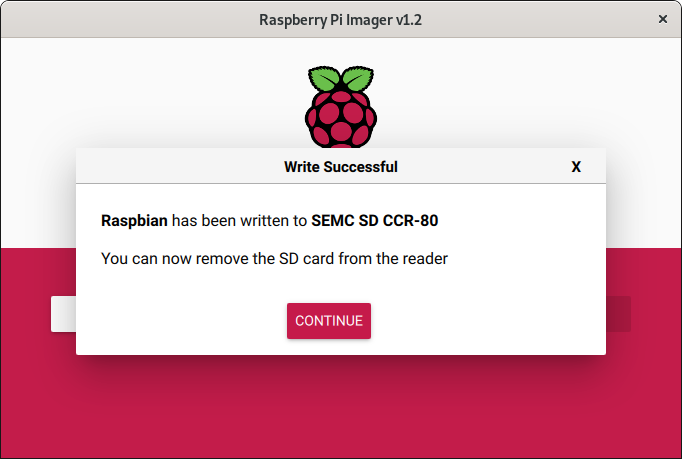
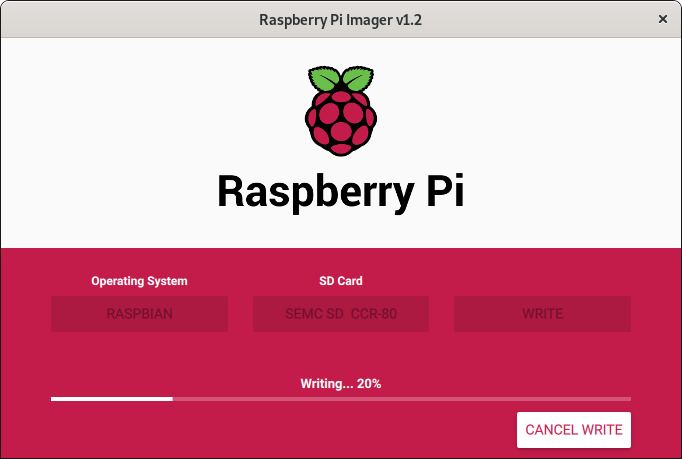
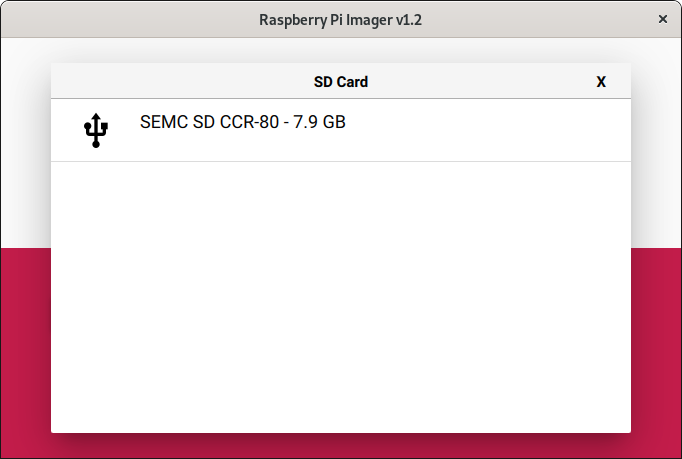
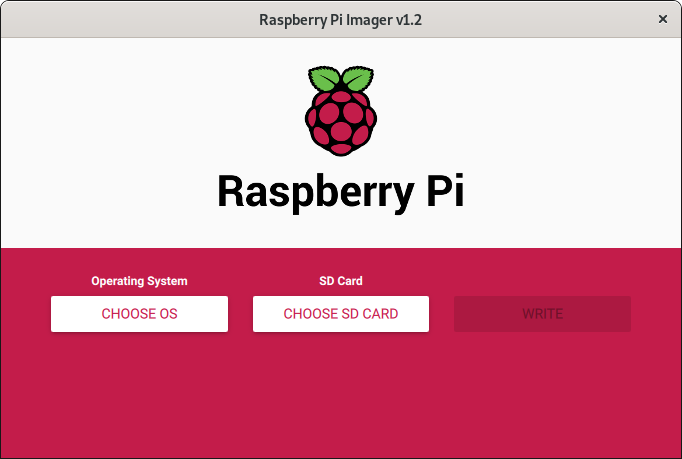
The Raspberry Pi Imager flashing utility completely redefines how makers, developers, and hobbyists prepare their storage media. Instead of forcing you through the tedious multi-step process of manually downloading massive operating system archives, extracting them, and using a third-party tool to write them, this streamlined software handles the entire pipeline in a single, cohesive workflow.
Direct Writing and Intelligent Caching
What sets the Raspberry Pi Imager flashing utility apart is its highly optimized data pipeline. Rather than saving a massive OS image to your local hard drive first and then reading it back to write to your SD card, the utility reads the relevant files directly from the web and writes them on the fly. This direct-to-card process significantly reduces setup times.
Key architectural benefits of this utility include:
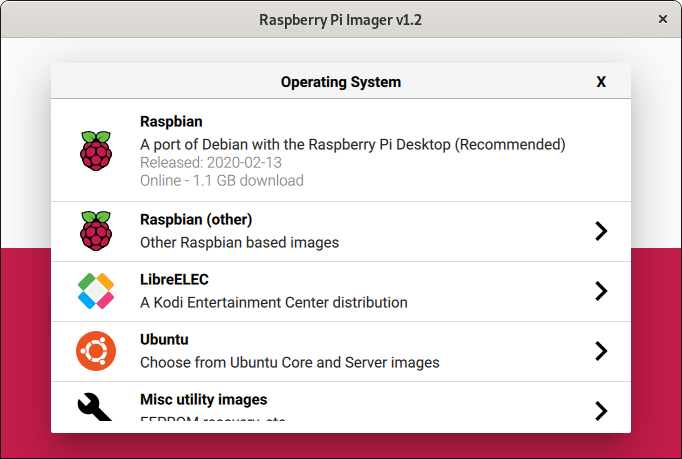
- Dynamic OS Selection: The application fetches an updated JSON manifest directly from official servers, ensuring you always have access to the latest verified operating system versions.
- Local Image Caching: Once an operating system is downloaded, the tool saves a local cache copy. This allows you to provision multiple SD cards rapidly without wasting bandwidth on repetitive downloads.
- Direct-to-Media Writing: By bypassing the intermediate hard drive storage step, write speeds are maximized while minimizing drive wear.
Who Is This Utility For?
Built specifically for the Linux desktop environment by the RPi Imager Developers, this tool is an essential addition to any developer's toolkit. Whether you are setting up a headless server, a media center, or an IoT prototype, the utility eliminates the friction of command-line disk writing tools like 'dd', replacing them with a safe, visual interface that prevents accidental drive overwrites.
Optimizing Your Development Workflow
By integrating the Raspberry Pi Imager flashing utility into your deployment routine, you save valuable time during the initial provisioning phase. The software handles the technical complexity of partition alignment and filesystem preparation silently in the background, letting you focus entirely on your project development.
To experience this streamlined setup process firsthand, visit the official Flathub store page to explore the utility for your Linux distribution.
Rate the App
User Reviews













Popular Apps










Editor's Choice