

Latest Version
Abhishek Pandey
Tools
Mac
Free
1220730126
Report a Problem
More About iDownloader for Mac
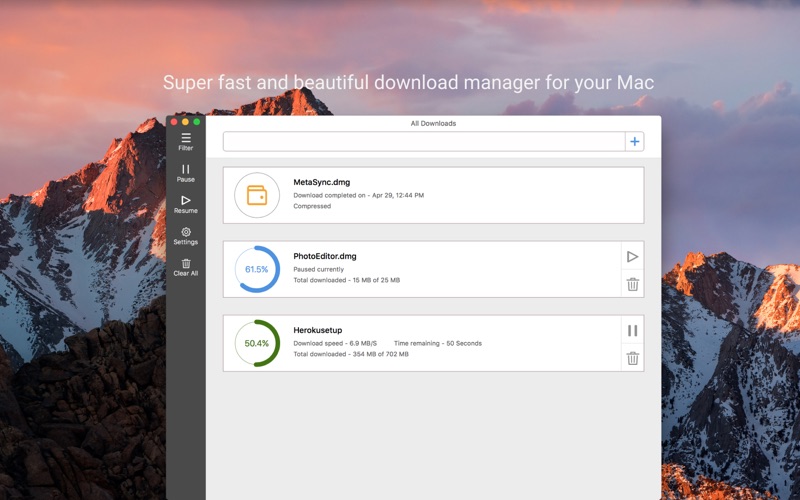
Managing large files on macOS can often be a test of patience, especially when default browser managers fall short. The iDownloader file downloader addresses this exact pain point by offering a highly efficient, segmented approach to retrieving data from the web. Developed by Abhishek Pandey, this tool is designed specifically for Mac users who require speed, reliability, and an organized workspace for their incoming files.
Why the iDownloader File Downloader Stands Out
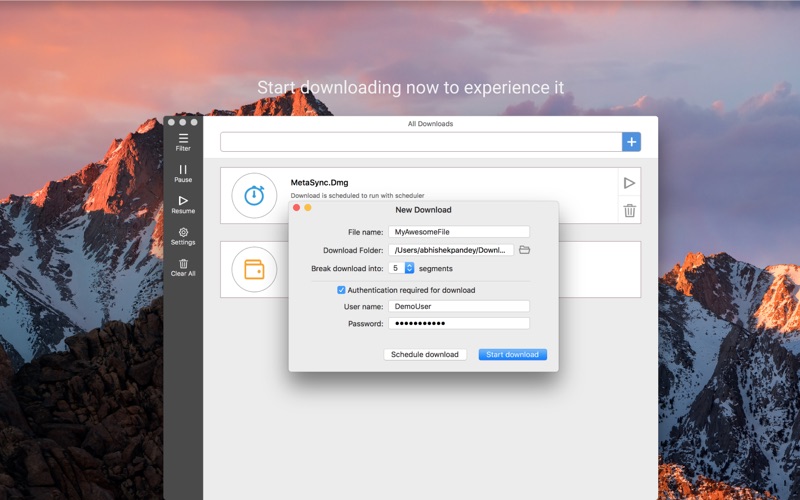
The core strength of the iDownloader file downloader lies in its multi-threaded architecture. Instead of pulling a file down in one single, vulnerable stream, the application splits each download into multiple smaller segments. By downloading these parts simultaneously, it maximizes your available bandwidth, ensuring that your internet connection is fully utilized for faster completion times.
Key Performance Features
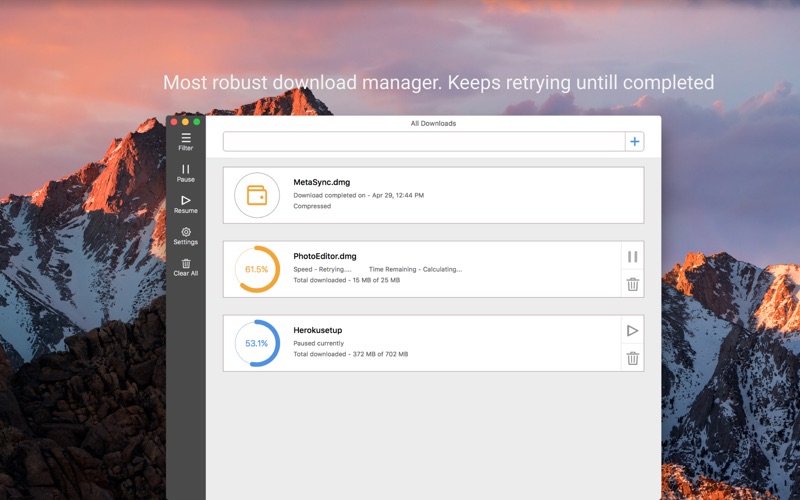
- Smart Resuming: If your Wi-Fi drops or your connection becomes unstable, the application automatically pauses and resumes once you are back online, saving you from starting long downloads over from scratch.
- File Segmentation: Multipart downloading optimizes your bandwidth to deliver noticeably quicker transfer speeds.
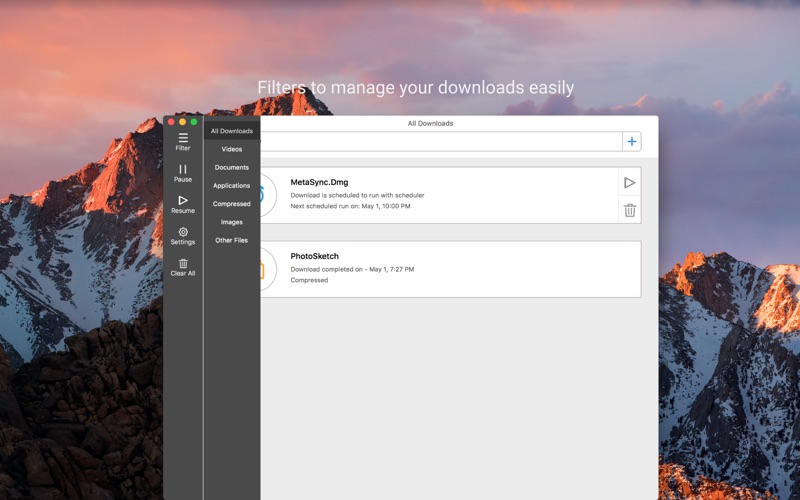
- Organized Queue Management: Filter your active and completed tasks by file type to keep your downloads folder neat and searchable.
- Browser Integration & Detection: The utility can capture copied links from your clipboard or initiate transfers directly via browser extensions.
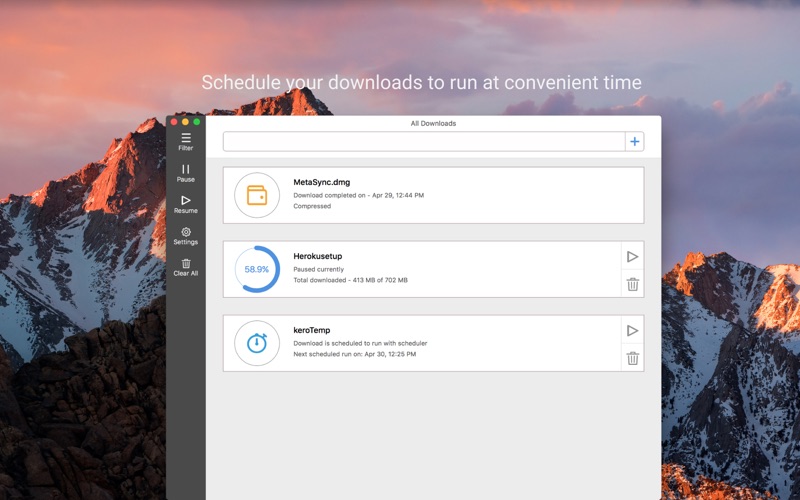
- Advanced Scheduling: Plan your heavy downloads for off-peak hours when your network is least congested.
A Seamless User Experience
Beyond speed, usability is a major focus. The interface is clean, modern, and fits naturally into the macOS aesthetic. With drag-and-drop support, starting a new task is as simple as dropping a link directly into the app window. For secured networks, the tool also includes authentication support, allowing you to access password-protected servers without hassle.
Is It Right For You?
If you regularly handle large archives, media files, or software packages, the iDownloader file downloader offers the stability that standard browsers simply cannot match. It transforms a frustrating, flaky download process into a set-it-and-forget-it experience.
To try this utility yourself and streamline your workflow, head over to the official Mac App Store to get started.
Rate the App
User Reviews














Popular Apps










Editor's Choice