
Latest Version
Art Group
Tools
Windows
Free
9pl3p6s6t07w
Report a Problem
More About File Explorer Tool PRO
A Smarter Way to Manage Your Desktop Files
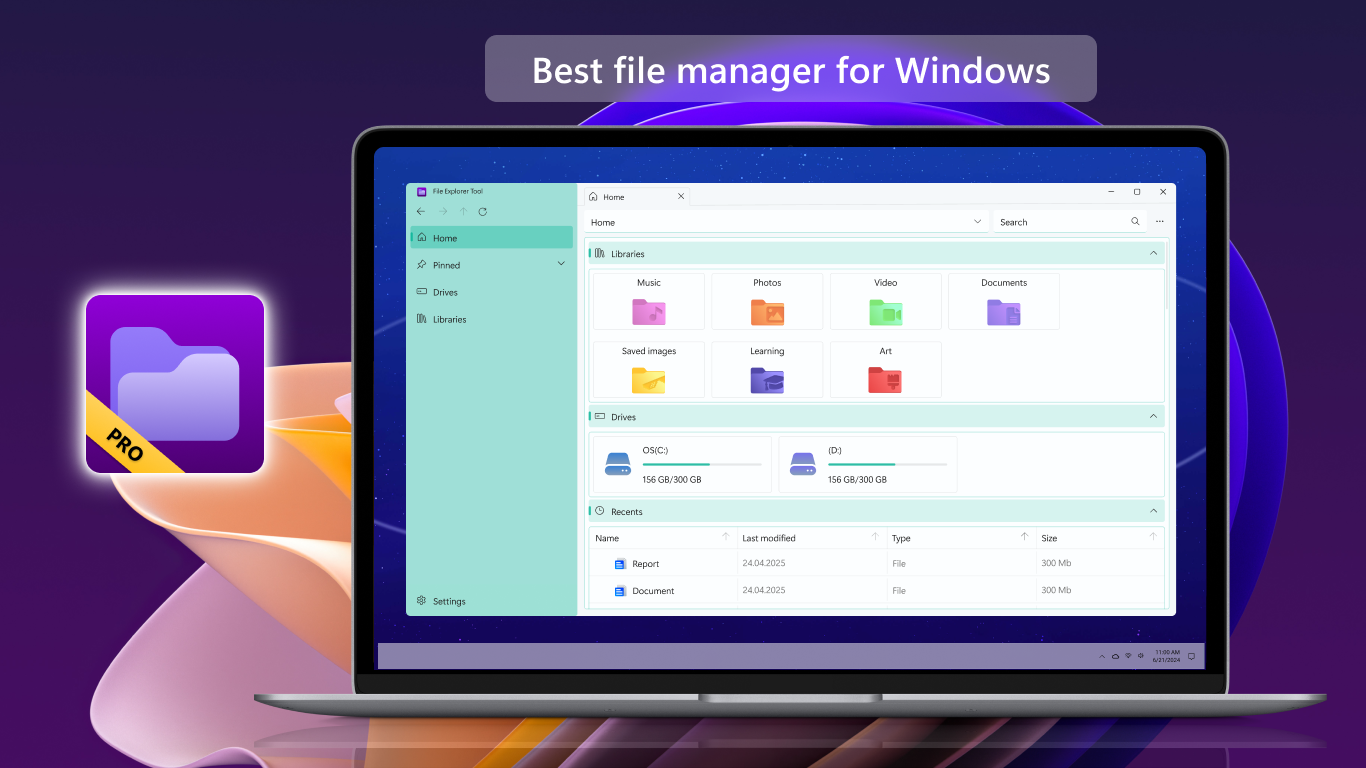
If you have ever found yourself overwhelmed by cluttered directories, misplaced documents, or the limitations of default desktop navigation, finding a dedicated file management utility is a game-changer. File Explorer Tool PRO file management software offers a refined, high-performance alternative designed to streamline how you browse, organize, and control your local storage on Windows.
Developed by Art Group, this utility caters to professionals, power users, and everyday students who require more agility than basic system tools provide. By centralizing your file operations into a highly responsive environment, it eliminates the friction of everyday data administration.
Key Features of File Explorer Tool PRO
This application stands out in the tools category by focusing on user-centric workflow enhancements. Here is a breakdown of its core capabilities:
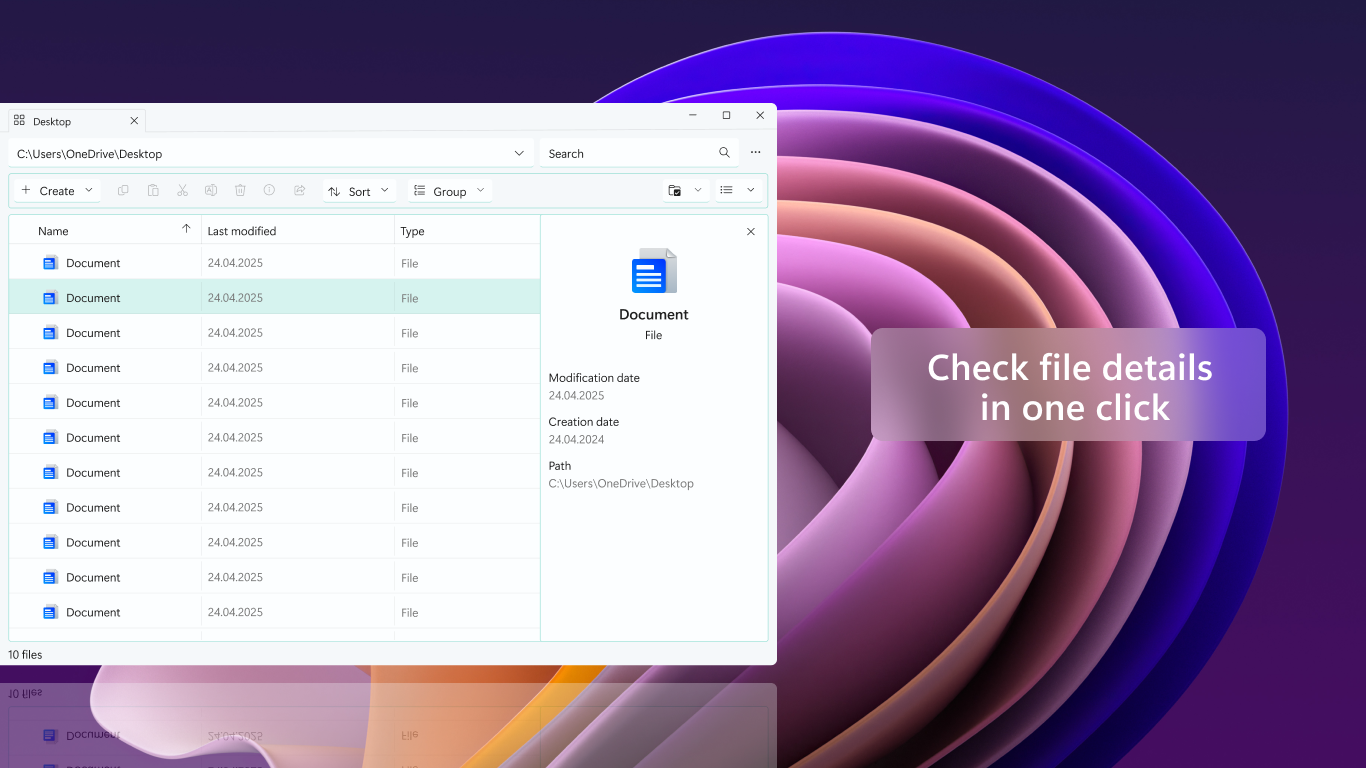
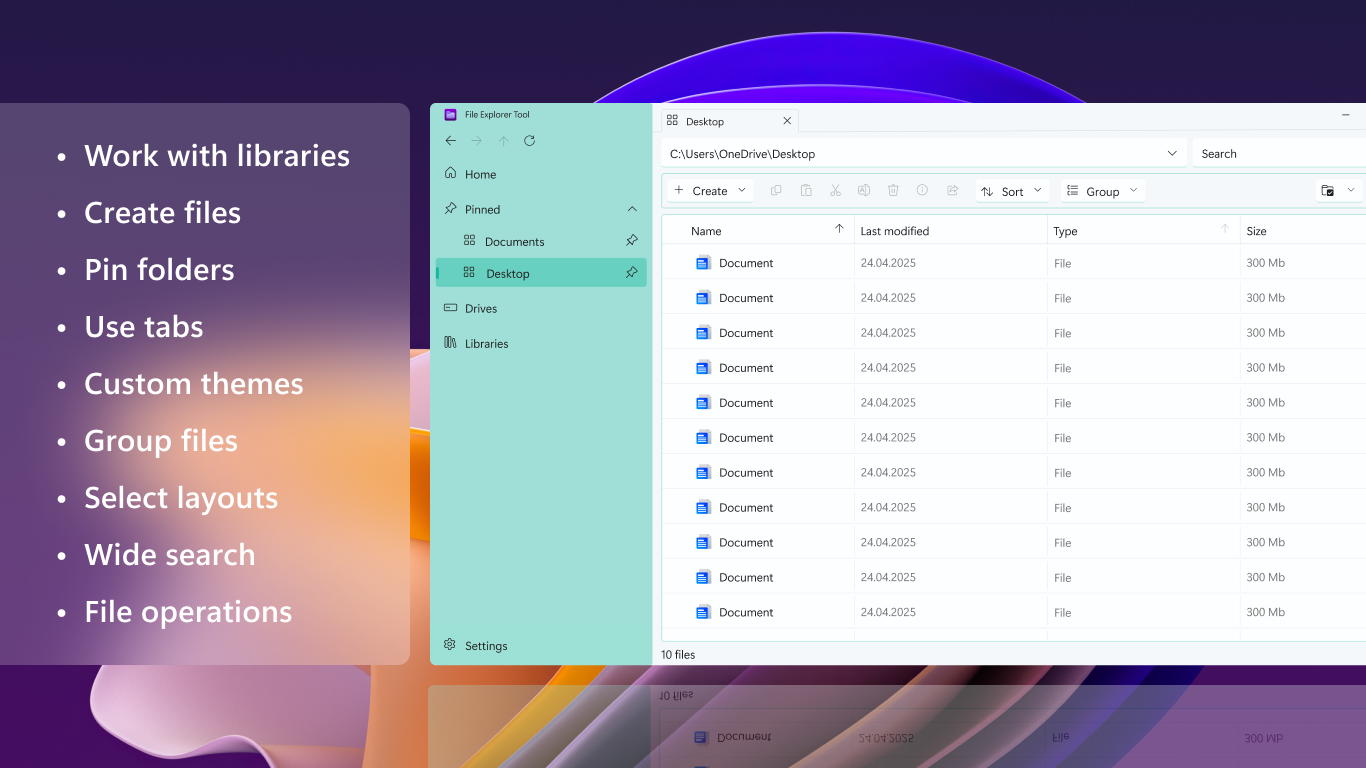
- Multi-Tab Navigation: Say goodbye to opening multiple desktop windows. Work across several folders simultaneously using a clean, tabbed interface that keeps your workspace organized.
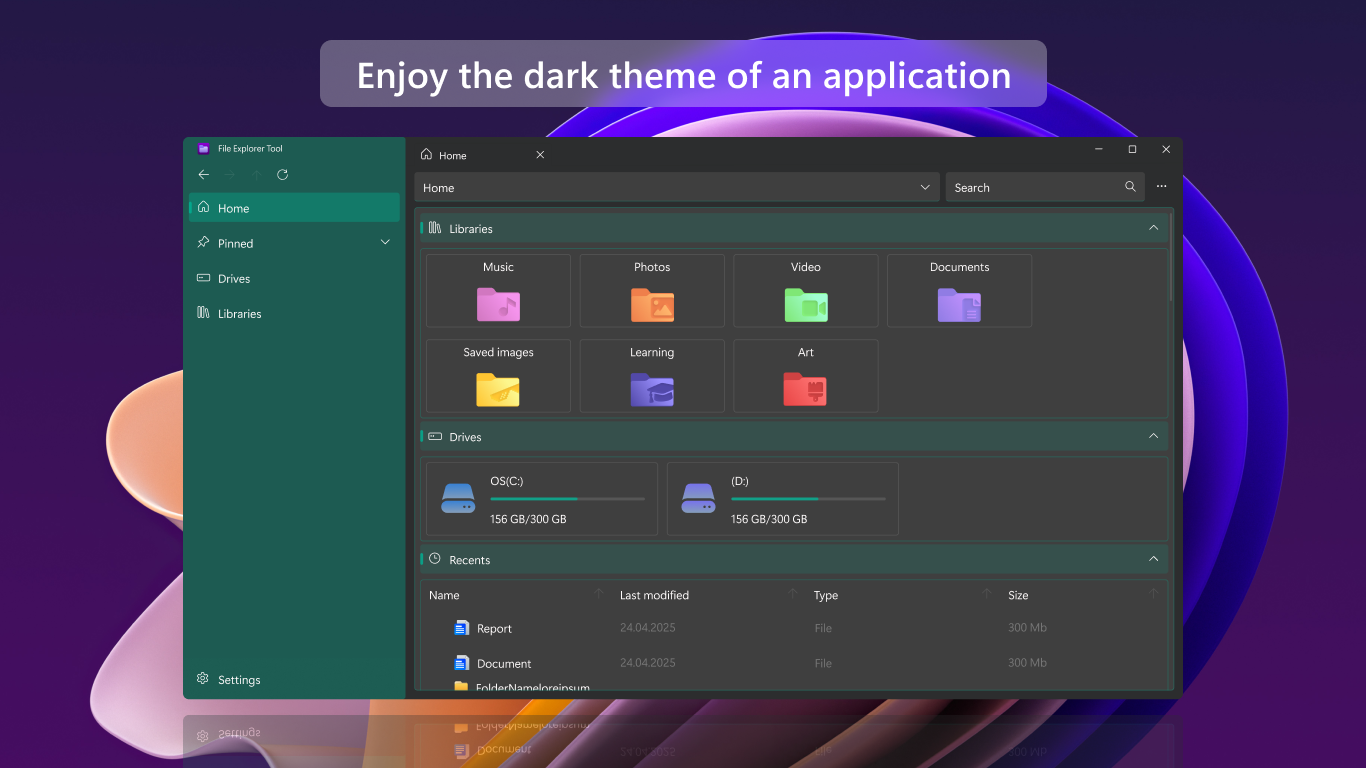
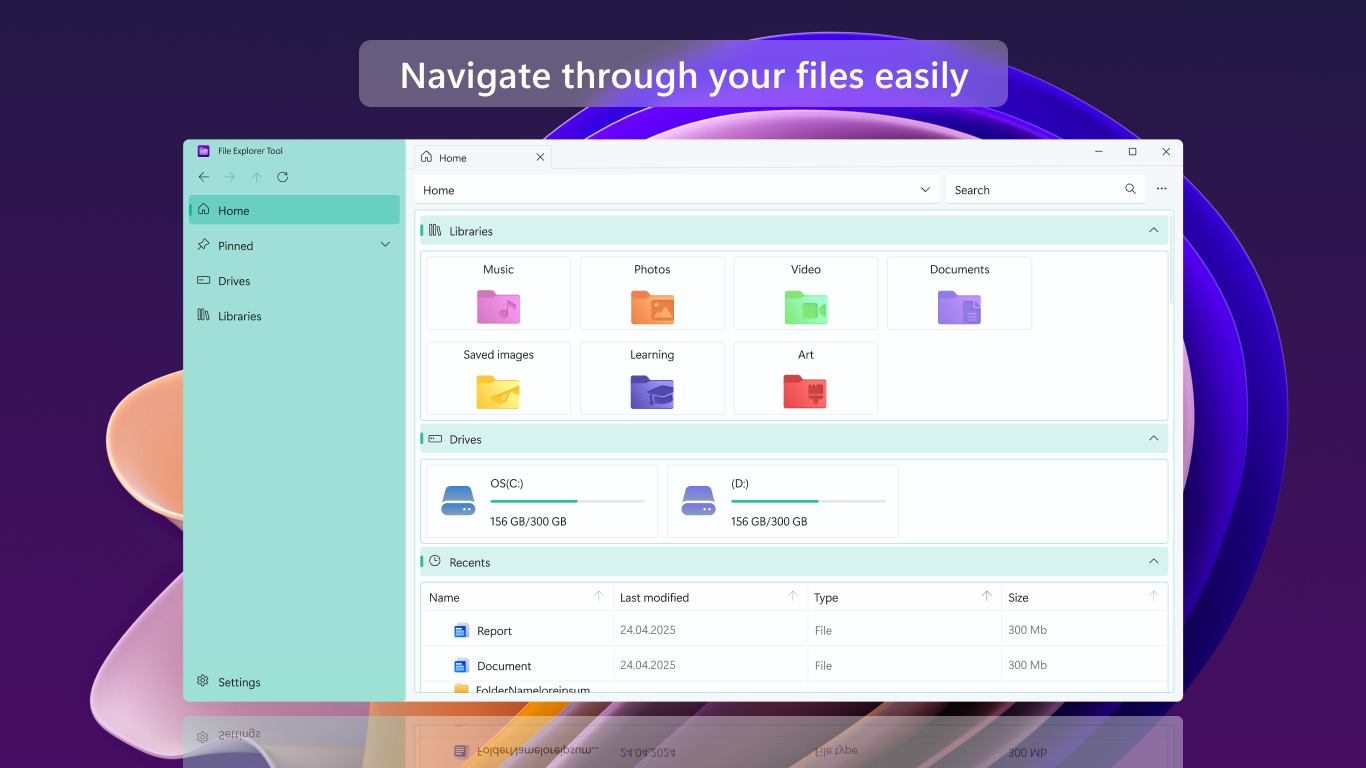
- Customizable Workspace Libraries: You can add frequently accessed folders directly to your custom libraries, creating instant shortcuts to your most critical projects.
- Fast & Fluid Operations: Seamlessly execute essential commands like moving, copying, renaming, and deleting files with minimal latency.
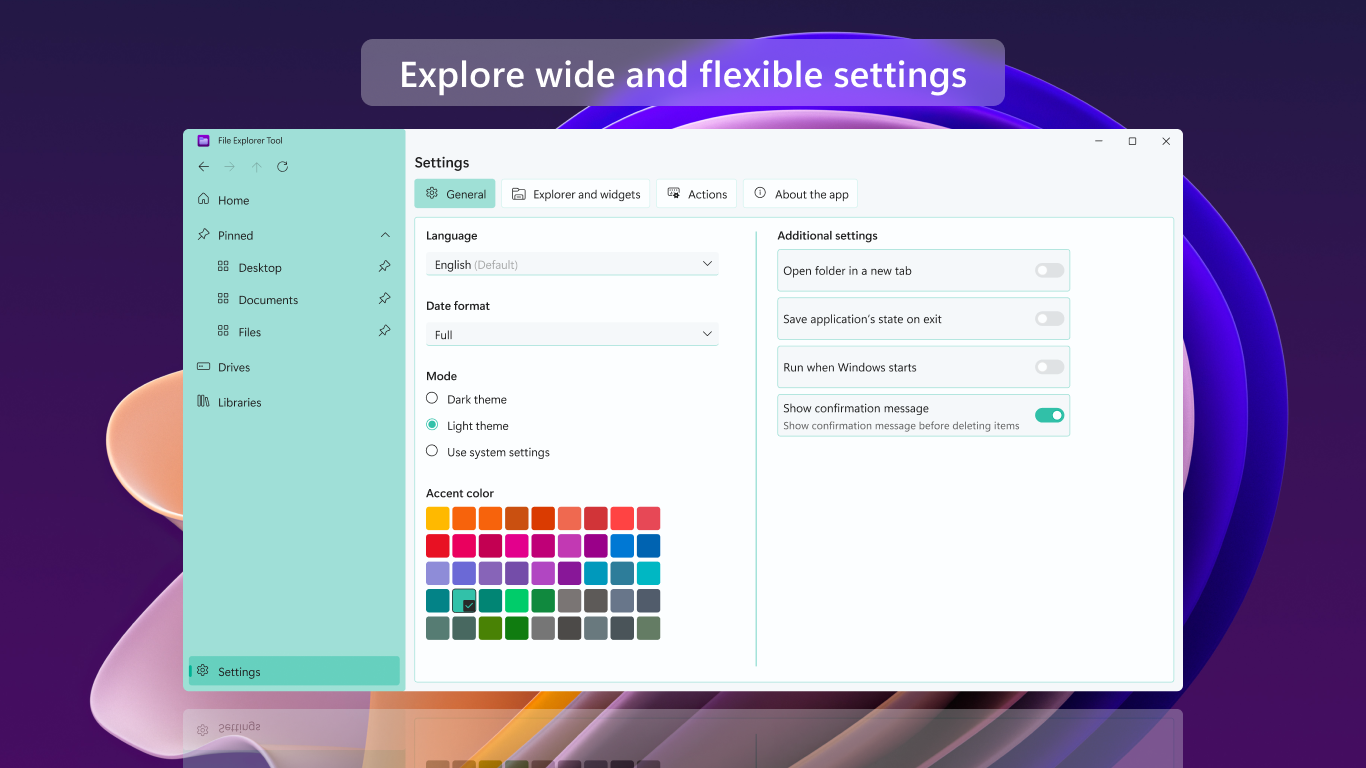
- Personalized Configuration: Tailor the interface to your exact preferences by configuring hotkeys, adjusting display layouts, and tweaking app settings to match your personal workflow.
Who is This File Manager For?
Whether you are a developer managing complex project directories, a creative professional sorting through massive media libraries, or simply someone trying to clean up a disorganized download folder, this tool adapts to your needs. The integration of custom hotkeys and multi-tabbed browsing makes it particularly appealing to power users who value keyboard-driven efficiency and rapid multitasking.
Our Editorial Verdict
File Explorer Tool PRO file management provides a highly structured, reliable, and customizable environment for Windows users. It successfully bridges the gap between basic built-in file explorers and overly complex administrative consoles, delivering a balanced tool that boosts daily productivity without a steep learning curve.
Ready to upgrade your system organization? You can learn more and view the official listing on the Microsoft Store.
Rate the App
User Reviews















Popular Apps










Editor's Choice