

Latest Version
Alain
Tools
Linux
Free
io.github.alainm23.planify
Report a Problem
More About Planify Task Manager
While many task managers force Linux users to rely on web-based wrappers, the Planify task manager stands out as a native, high-performance productivity hub built specifically for the modern desktop. Designed with GTK4 and libadwaita, this tool offers Linux enthusiasts a beautifully integrated, fluid interface that respects system themes while delivering powerhouse scheduling features.
A Native GTK4 Experience Built for Speed
The first thing you notice about the Planify task manager is its exceptional responsiveness. Because it is designed natively for Linux, the interface feels incredibly light. Key visual and functional design choices make it a pleasure to use daily:
- Fluid Drag and Drop: Effortlessly prioritize your day by dragging tasks between different lists or custom project sections.
- Visual Progress Tracking: Keep an eye on your goals with intuitive progress indicators designed for each project.
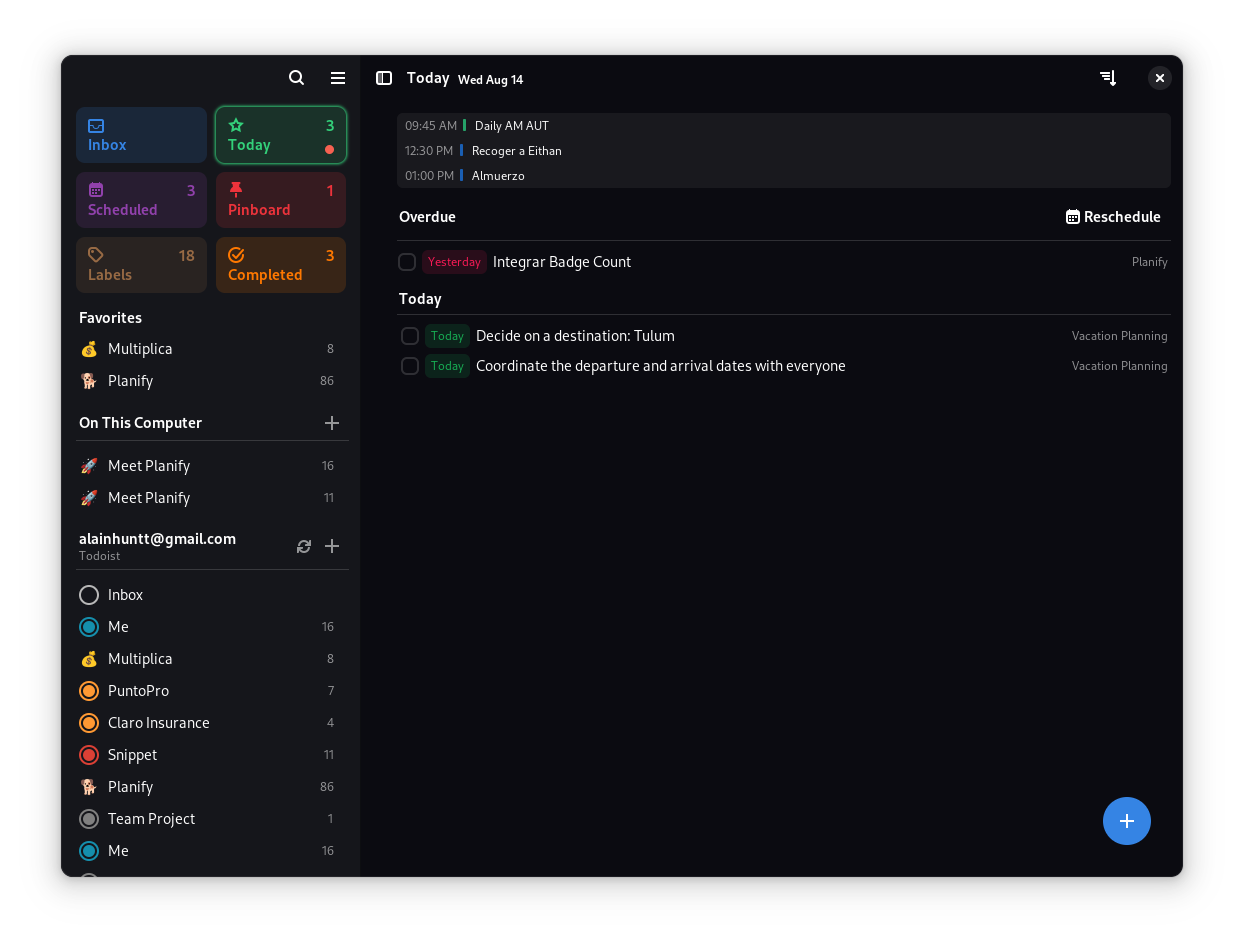
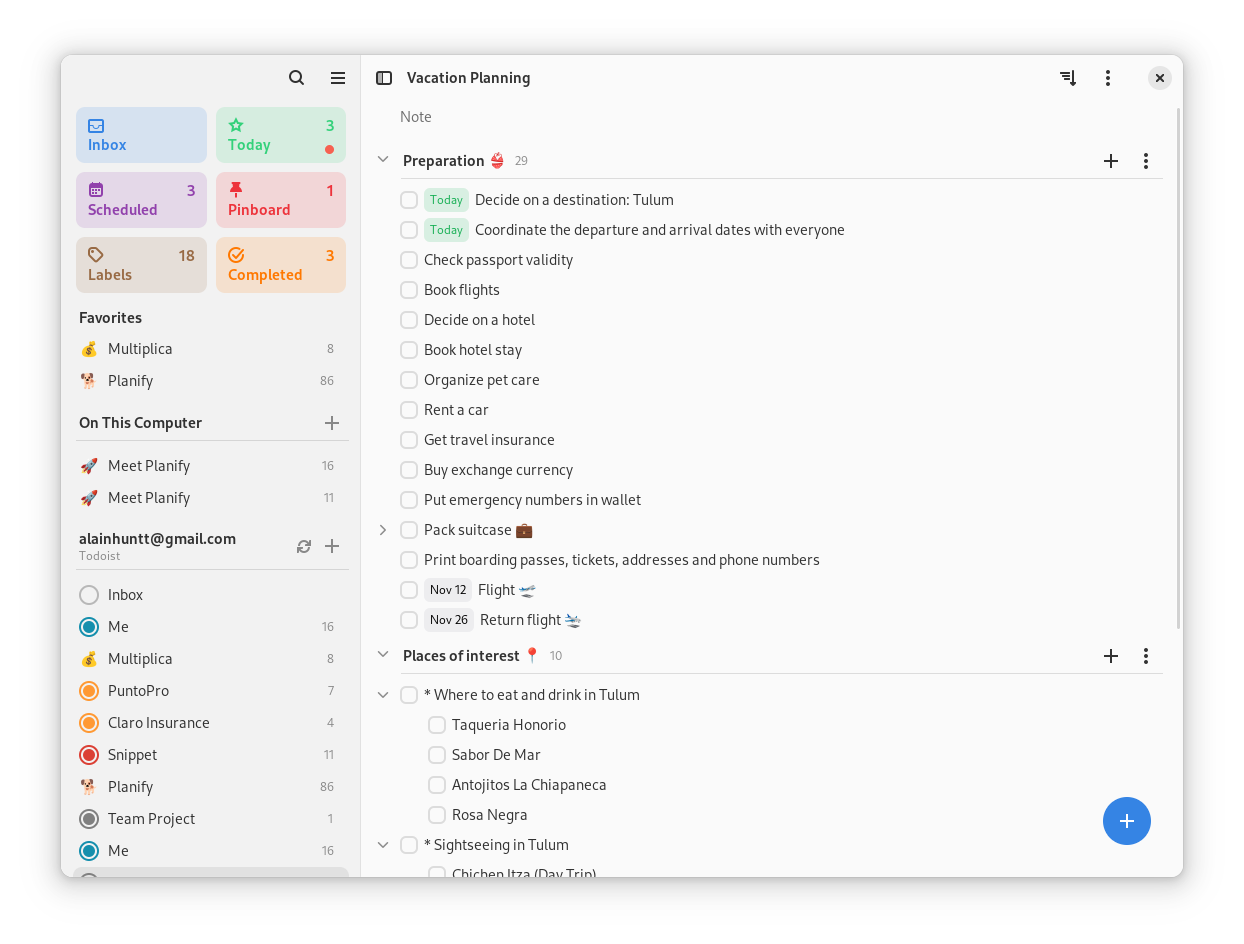
- System-Level Dark Mode: Enjoy seamless integration with your system's light or dark theme preferences.
Flexible Cloud Synchronization and Privacy First
For many professionals, a task manager is only as good as its sync capabilities. The Planify task manager bridges the gap between open-source privacy and mainstream convenience by supporting diverse backend integrations. Whether you want to sync with commercial services or host your own data, Planify has you covered.
- Todoist Integration: Full synchronization allows you to keep your workflow updated even if you transition between different devices.
- CalDAV and Nextcloud Support: For privacy-conscious users, compatibility with Nextcloud, Radicale, and Baïkal ensures your schedule remains entirely under your control.
- Robust Offline Mode: Work without an active internet connection; your local changes will automatically sync once you are back online.
Advanced Planning Tools for Complex Workflows
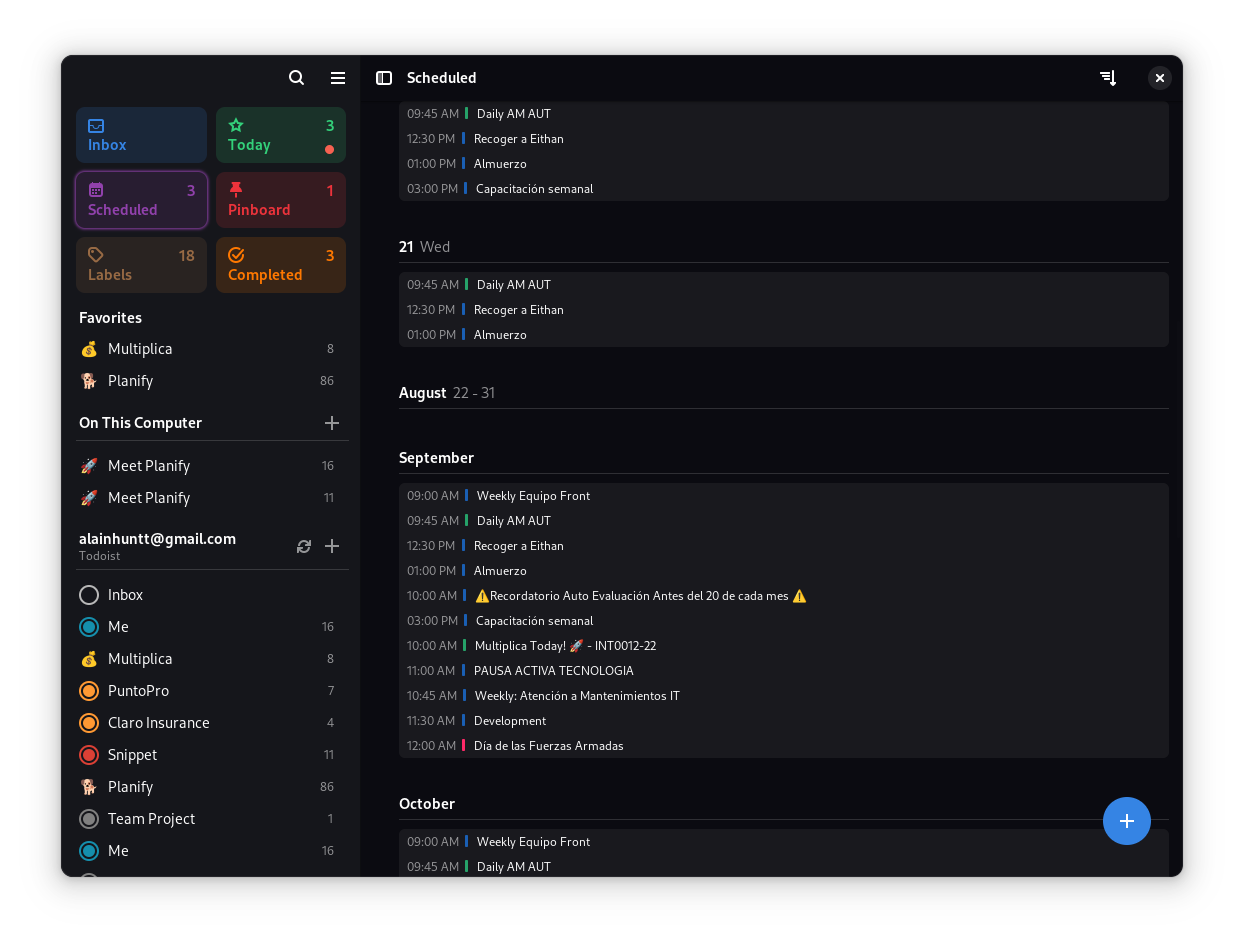
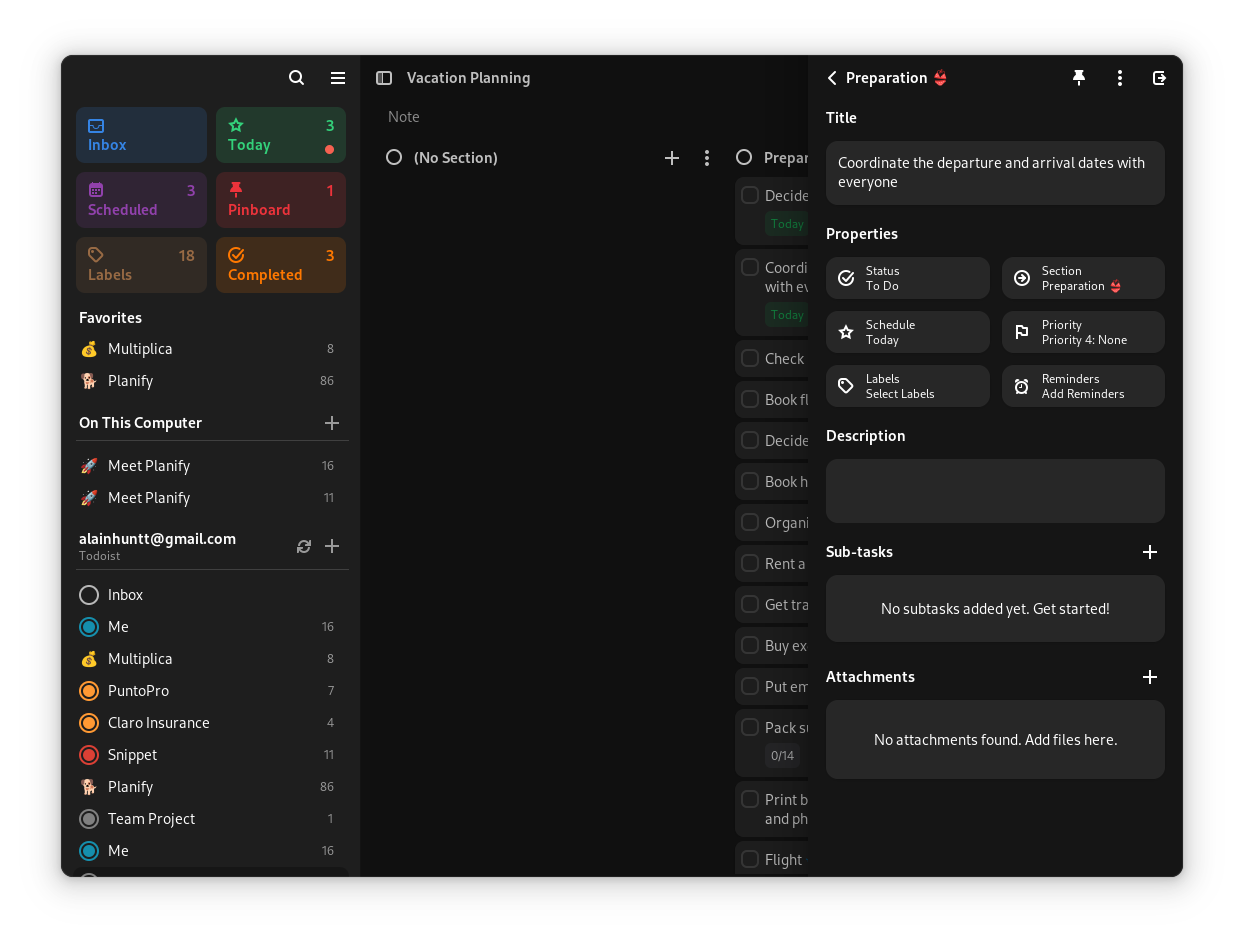
Beyond simple checklists, Planify offers the depth required for advanced project management. You can enrich tasks with custom labels, set flexible recurring patterns for routine habits, and add external links or attachments directly to individual items. The built-in calendar view offers a comprehensive look at your upcoming schedule, while multiple customizable reminders ensure you never miss a critical deadline.
Is Planify Right For You?
If you are running a Linux environment and want a highly polished, native application that respects your privacy while offering robust cloud options, this utility is a stellar choice. It successfully combines the aesthetic elegance of modern Linux design with the functional utility required by demanding power users.
To experience this exceptional productivity tool yourself, head over to the official Flathub store page to view installation details for your distribution.
Rate the App
User Reviews















Popular Apps










Editor's Choice