

Latest Version
Shivin Shrivastava
Entertainment
Windows
Free
9nblgggznd2b
Report a Problem
More About Play in
A Seamless Way to Cast Media to Your PC
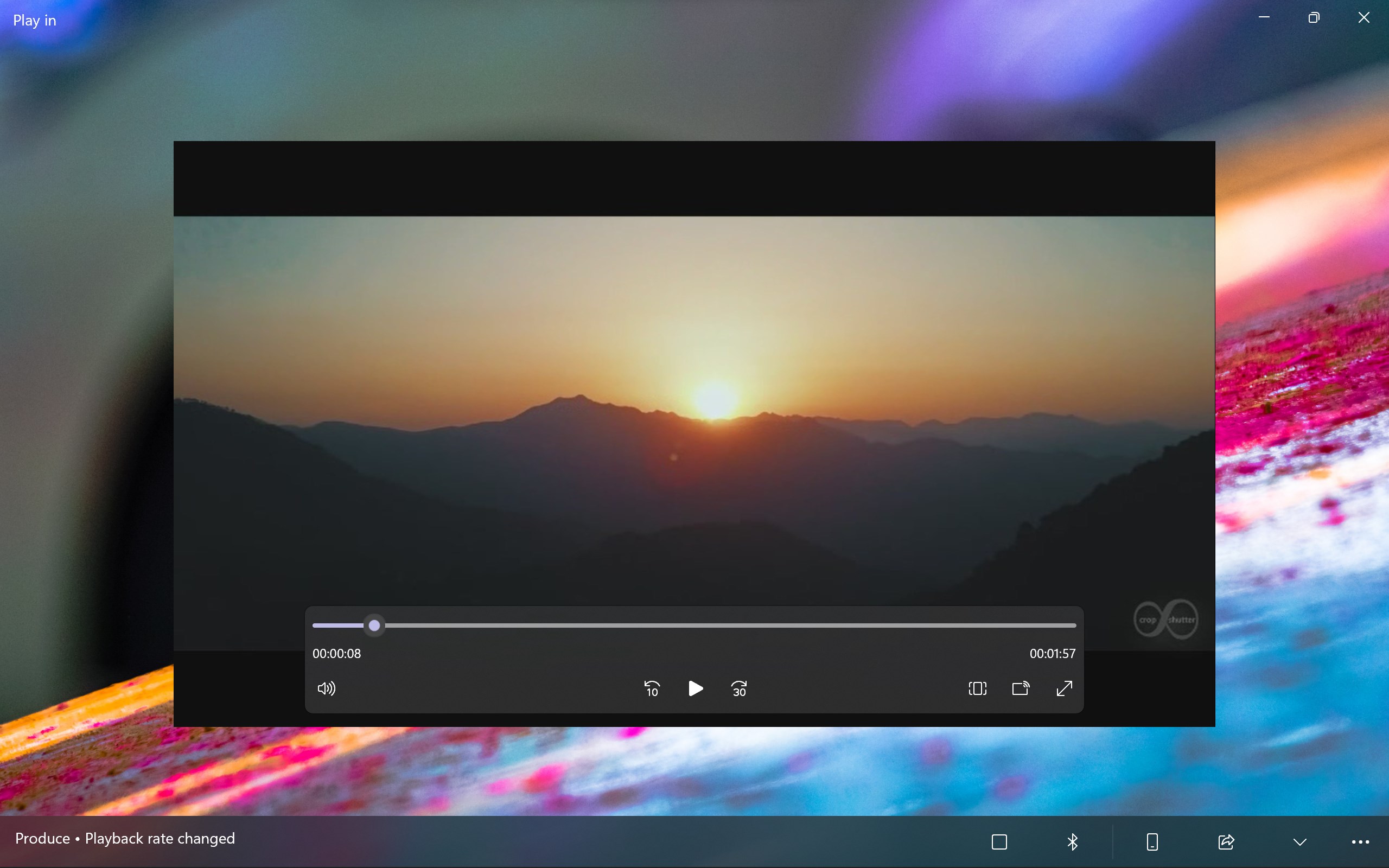
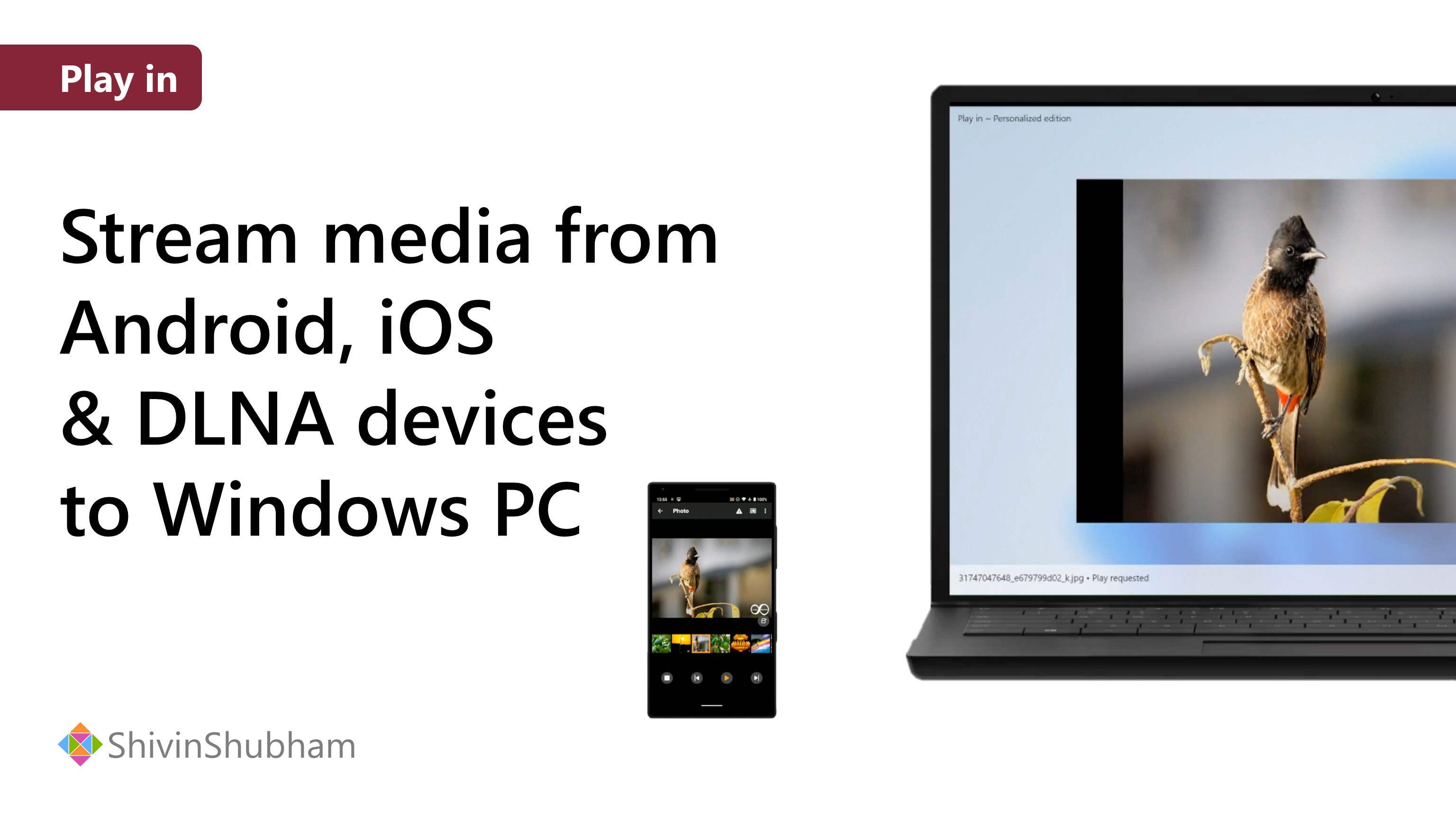
Imagine sitting back on your couch, scrolling through your phone's photo gallery, and instantly projecting those memories onto your large computer monitor with a single tap. The Play in media streaming application is designed to make this fluid experience a reality. Developed by Shivin Shrivastava, this utility transforms your Windows device into a smart receiver, allowing you to cast and control your favorite media files directly from external controllers like smartphones, tablets, digital cameras, and laptops.
How the Play in Media Streaming System Works
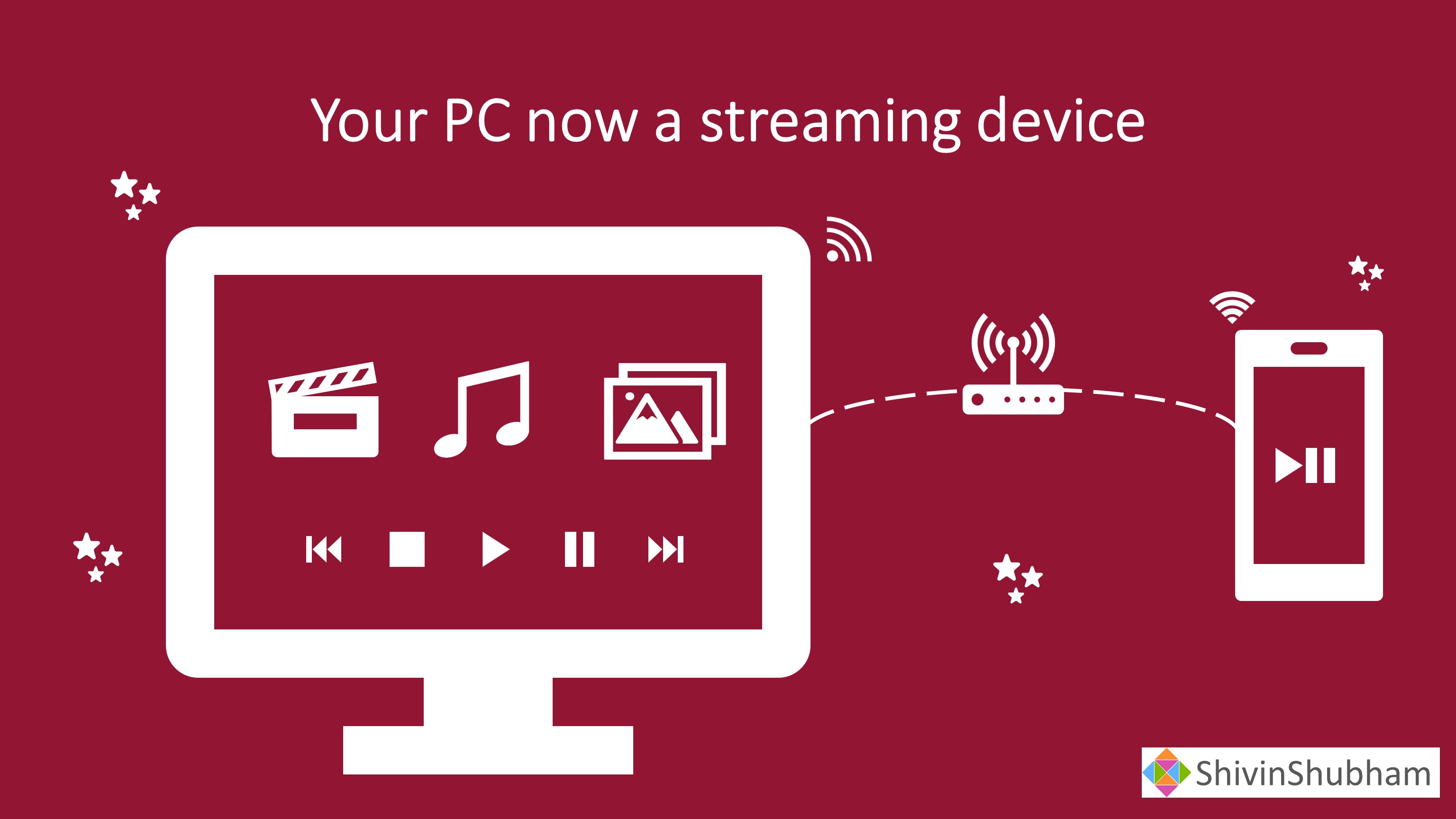
Instead of dealing with complex file transfers, cloud uploads, or cumbersome HDMI cables, this application establishes a direct connection between your playback controllers and your Windows screen. It acts as a bridge within your local network, enabling hassle-free streaming in just a few moments.
The app is highly versatile and supports various ecosystem standards, including:
- Cross-Platform Compatibility: Seamlessly receive streams from Windows, Android, and iOS devices.
- DLNA Support: Connect with classic digital cameras and network-attached storage setups that use standard DLNA protocols.
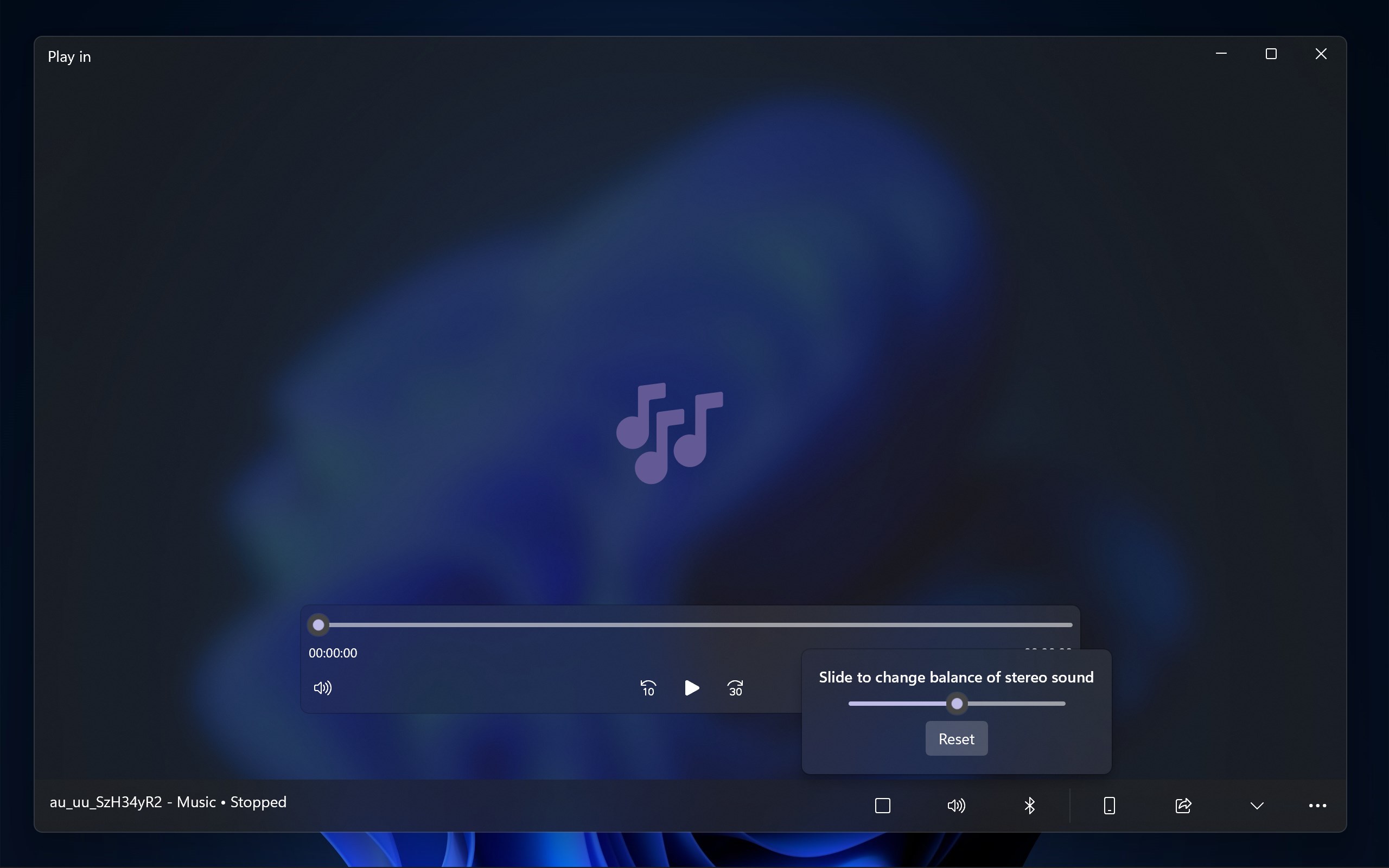
- Multi-Format Playback: Stream your personal photo collections, high-quality audio tracks, and home videos without format headaches.
Who Is This Media Receiver For?
The Play in media streaming tool is perfect for users who want to share content with friends and family without crowding around a small phone screen. It is an excellent fit for professionals who need a quick way to showcase mobile mockups or media on a larger display, as well as casual users looking to turn their PC setup into a lightweight home entertainment hub.
Get Started with Play in
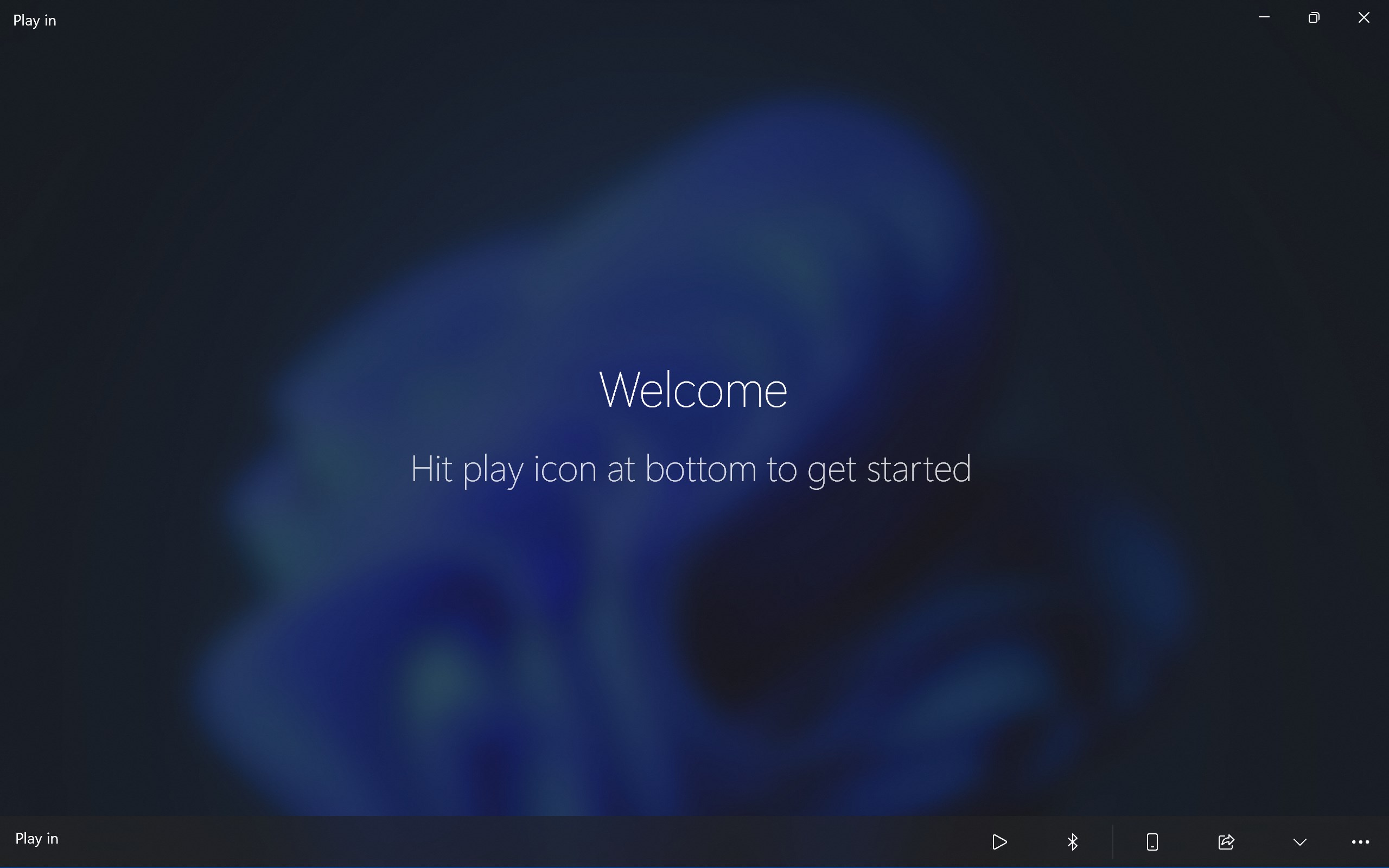
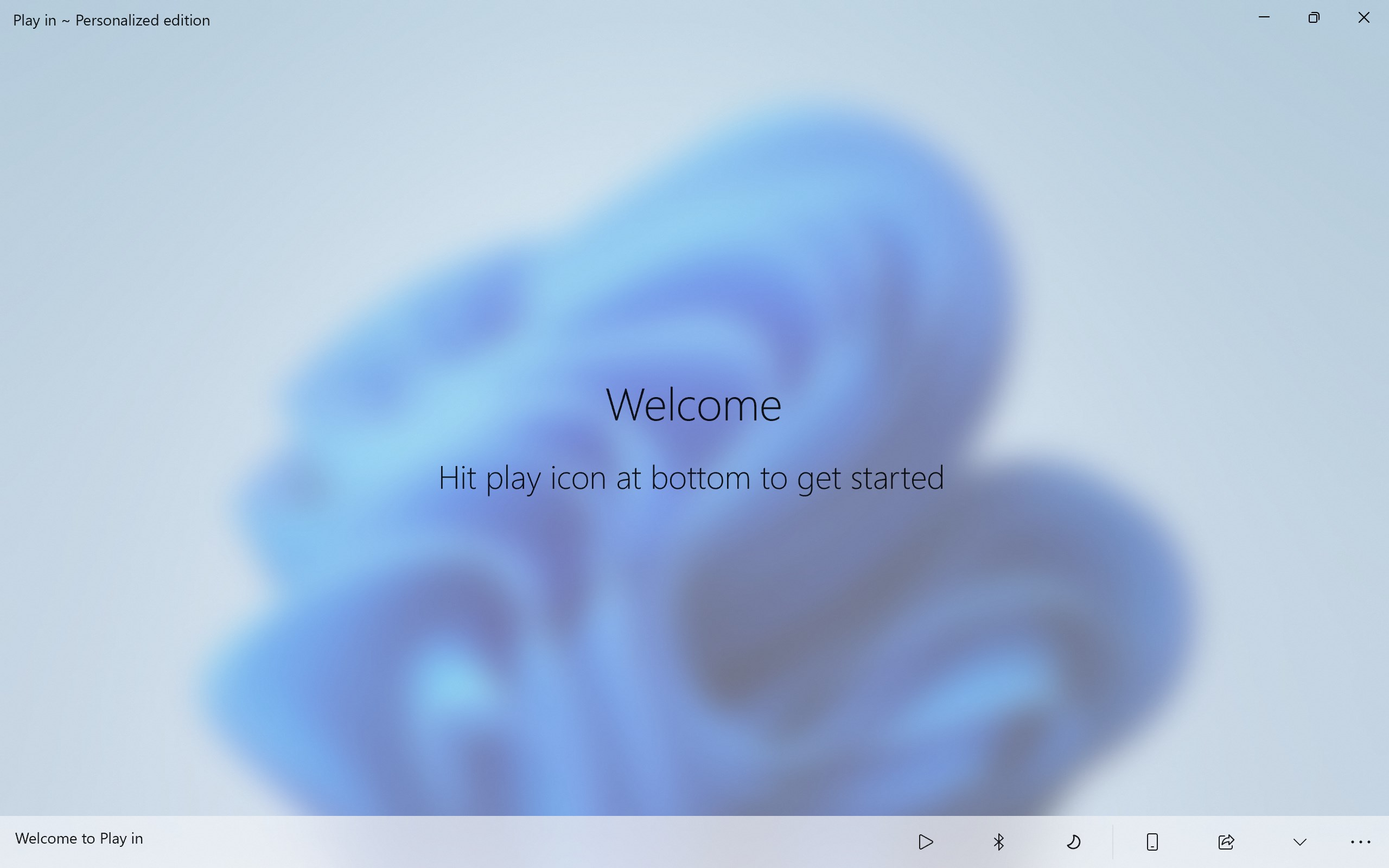
By bypassing complicated configurations, this software offers a straightforward, professional interface that gets out of your way and lets your media shine. If you are ready to upgrade your home casting setup, you can learn more about the app and download it directly from the official Microsoft Store page.
Rate the App
User Reviews













Popular Apps









Editor's Choice