

Latest Version
Virtual Pulse
Entertainment
Windows
Free
9pjrlgb4n2ss
Report a Problem
More About Player for Media
A Versatile Solution for PC Entertainment
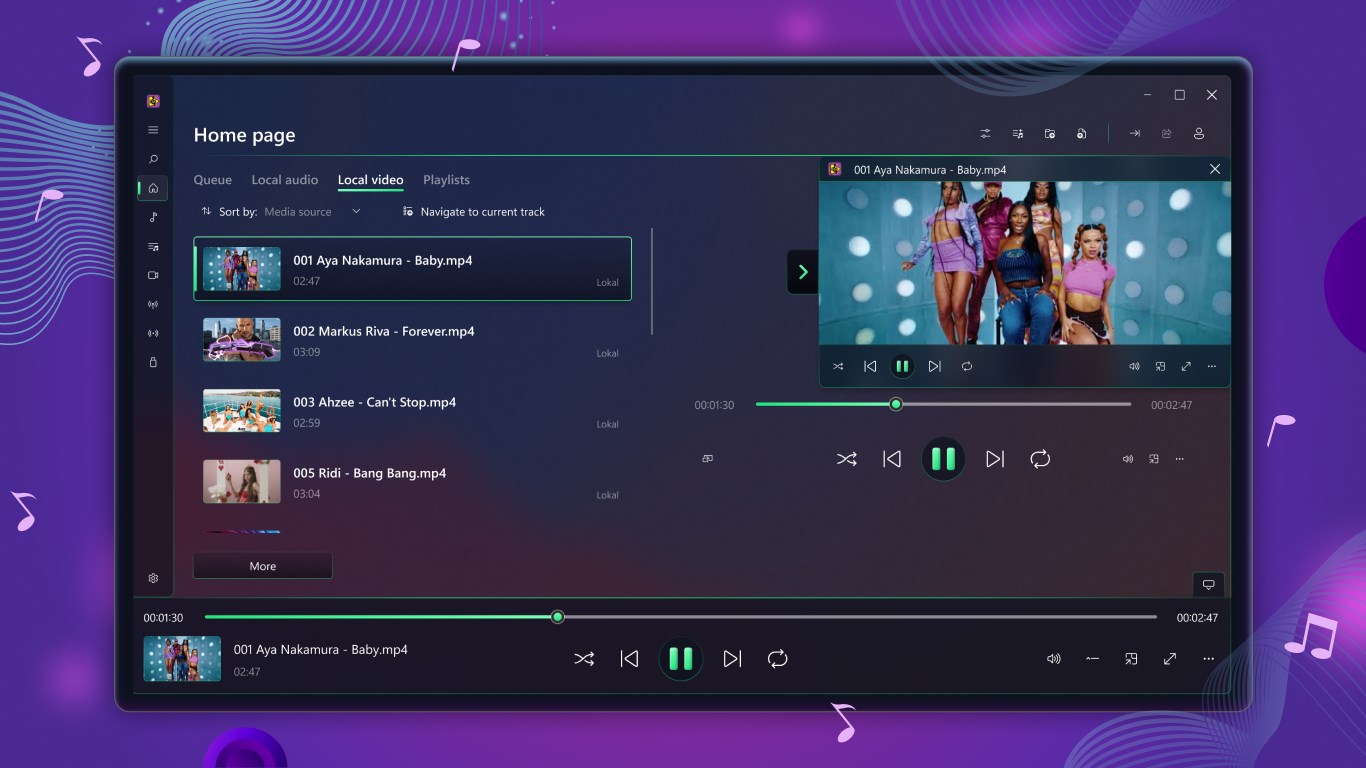
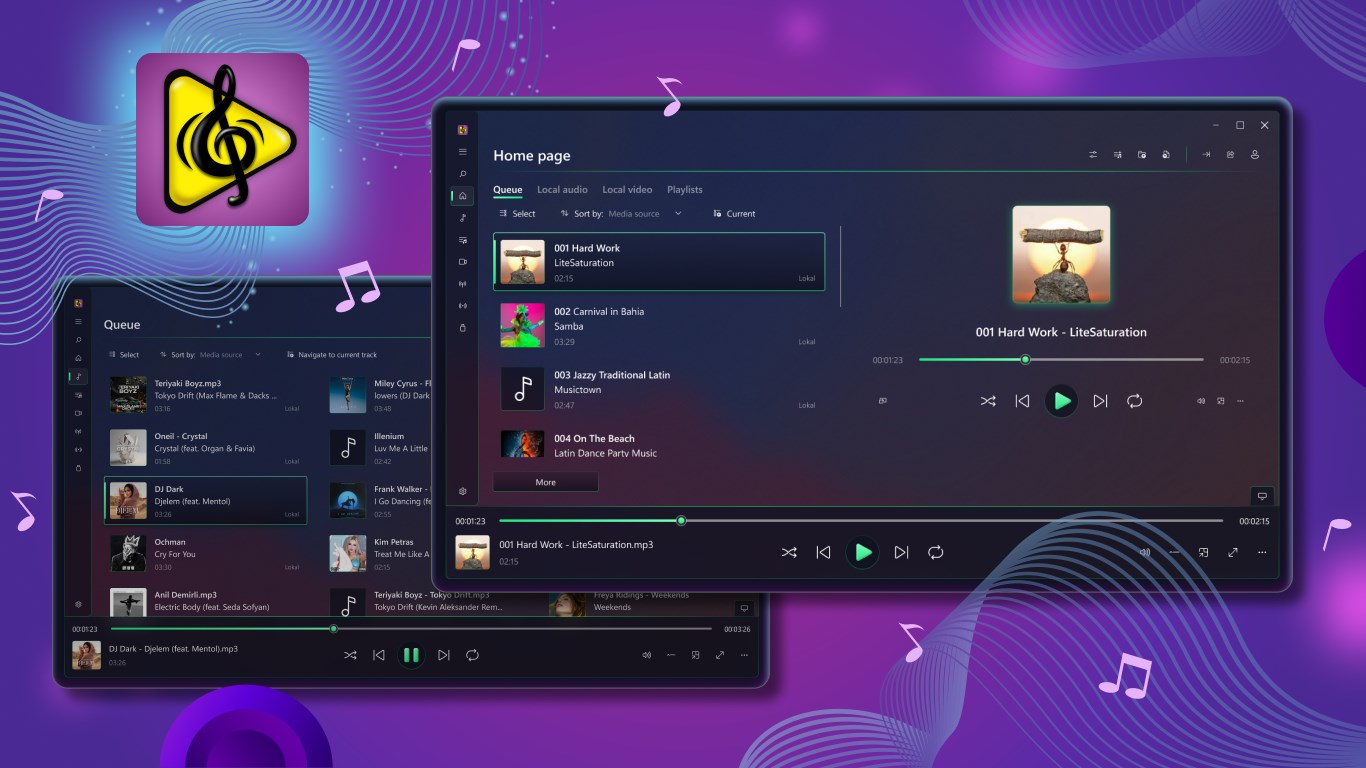
Finding a reliable software that handles diverse formats without stuttering is a common challenge for Windows users. Player for Media is a feature-rich Windows media player designed by Virtual Pulse to serve as an all-in-one entertainment hub. Whether you are playing local video files, listening to music, or streaming online broadcasts, this application aims to replace multiple single-purpose utilities with one streamlined interface.
Key Features of this Windows Media Player
Unlike standard pre-installed players, this tool integrates offline playback with popular online streaming services. Here is what makes the Player for Media Windows media player stand out:
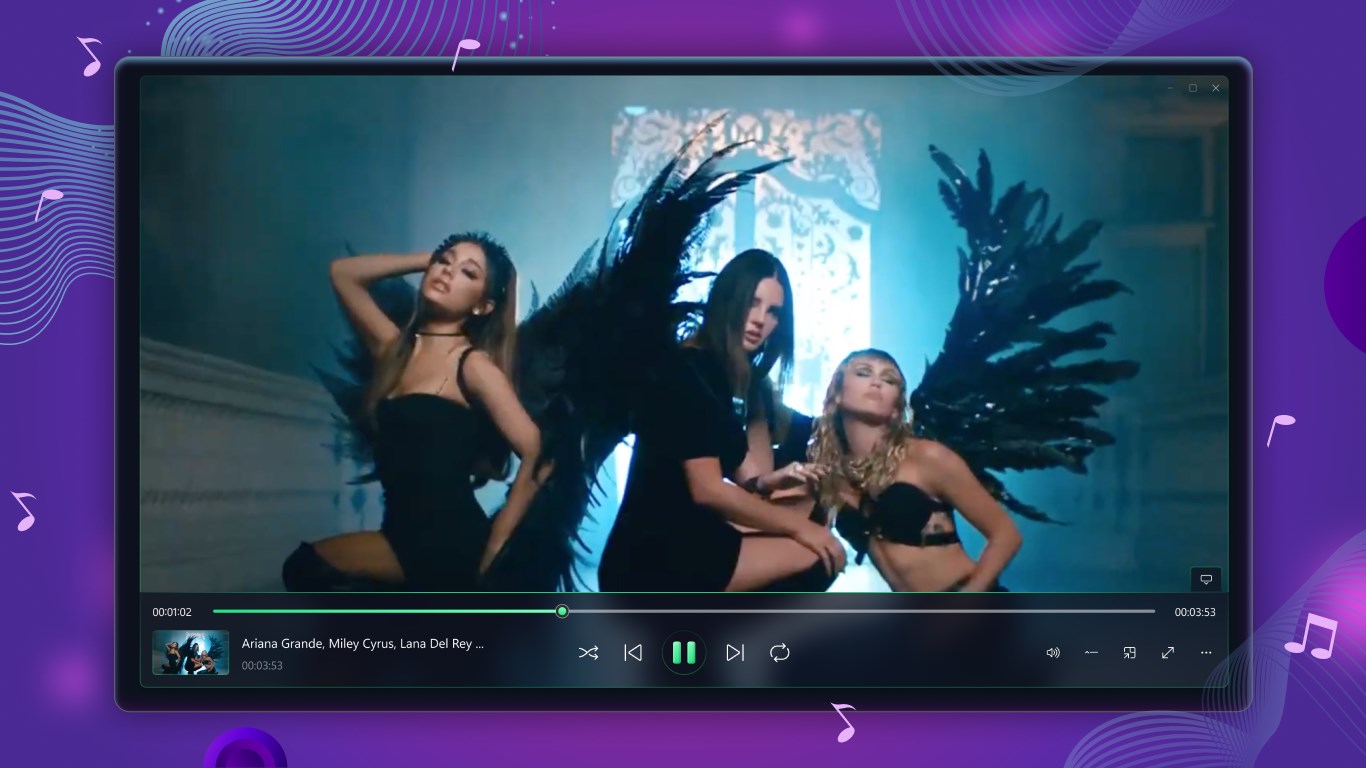
- Broad Format Support: Easily decodes standard and rare audio/video formats, including integrated subtitle management.
- Online Integration: Search and stream content directly from YouTube and SoundCloud, with cache options for offline enjoyment.
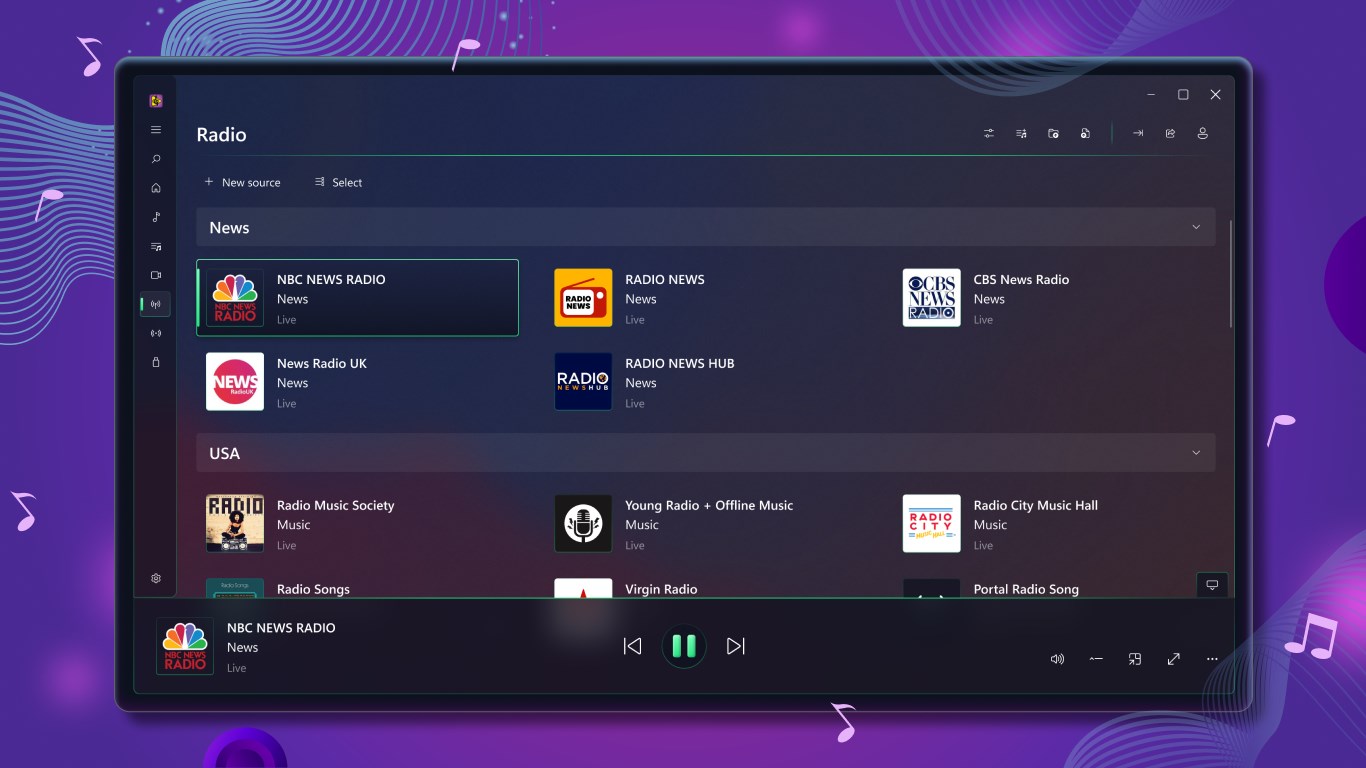
- Live Broadcasts: Access Twitch streams, live clips, TV channels, and online radio stations without leaving the app.
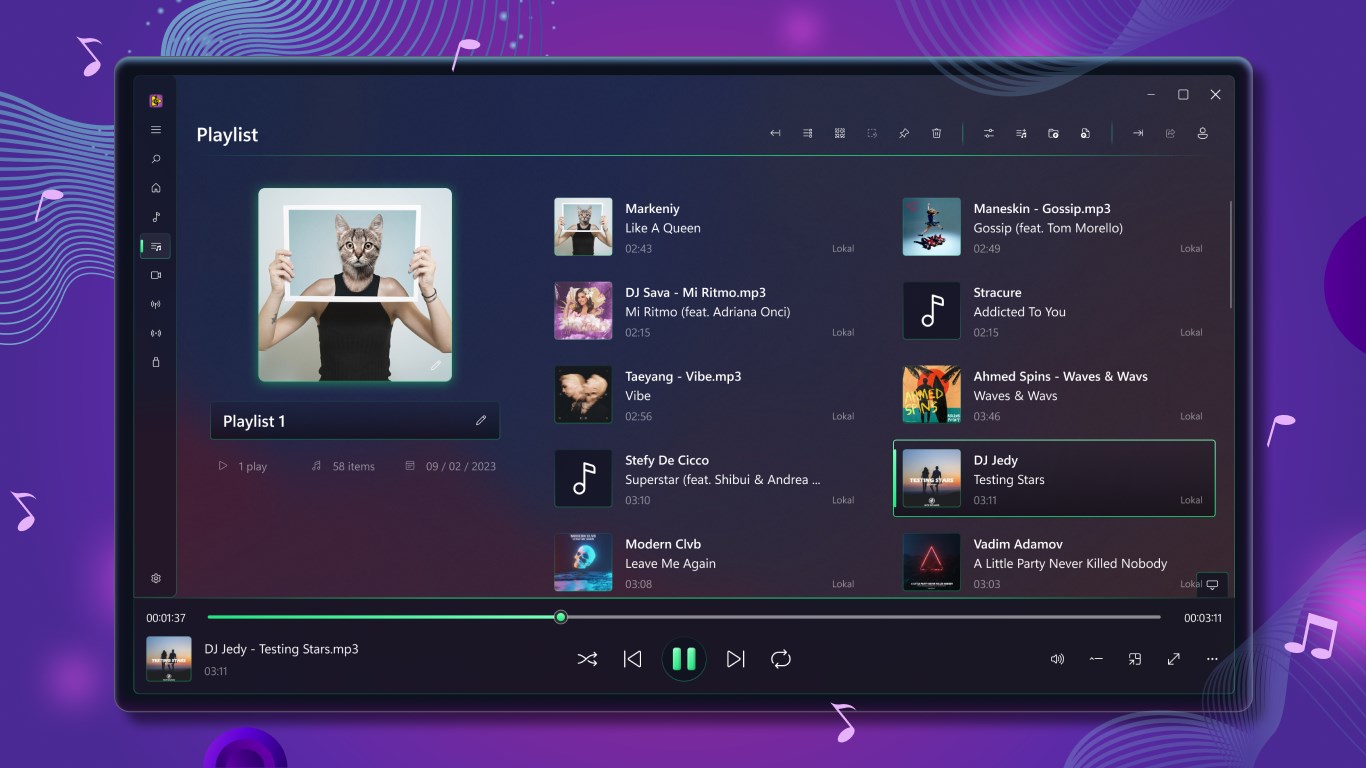
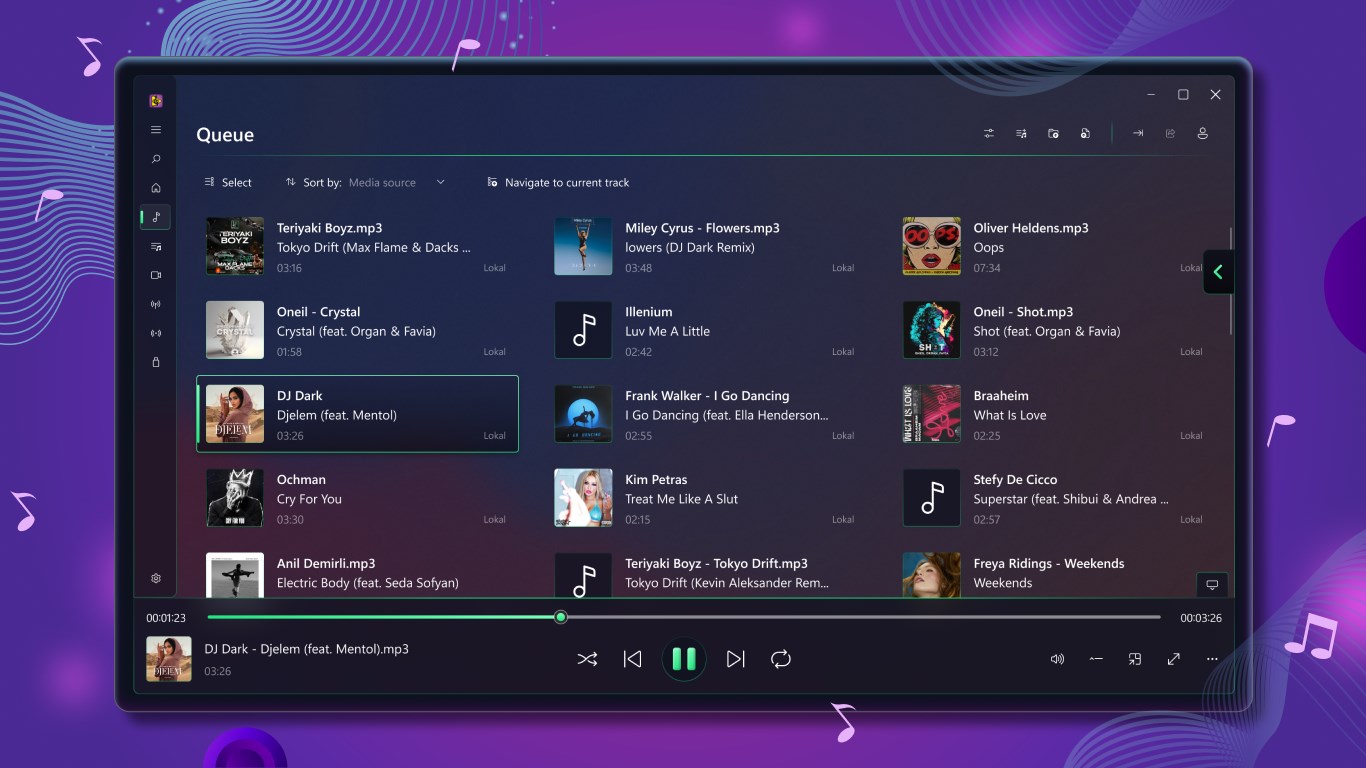
- Media Management: Organize your library with advanced playlists, playback queues, and LastFM scrobbling to track your listening habits.
- External Playback: Play files directly from external storage drives or cast your media to external screens.
Who Benefits Most from This Media Hub?
This software is tailored for power users who want to consolidate their entertainment. If you frequently jump between local video files, YouTube playlists, and Twitch gaming streams, having a single application manage all of these feeds saves system resources and simplifies your workflow. It is particularly useful for Windows tablet or laptop users who appreciate having touch-friendly controls and integrated caching capabilities for travel.
Pros and Cons to Consider
On the positive side, the interface is highly responsive, and the crystal-clear audio output paired with robust subtitle support makes watching foreign films a breeze. However, users should note that while the application is free to download, certain advanced features and specific premium video formats require an active subscription to unlock full functionality.
Final Verdict
If you are tired of switching between VLC, web browsers, and music players, Virtual Pulse offers a compelling alternative. You can find more details and review the application yourself on the official Microsoft Store page.
Rate the App
User Reviews











Popular Apps









Editor's Choice